Claude Code & Cursor: The Ultimate Vibe Coding Duo
Why pairing Claude 3.7 with Cursor IDE is a game-changer. Learn workflow setup, compare it to Github Copilot, and write strict system rules.

Claude Code & Cursor: The Ultimate Vibe Coding Duo
Last year, I spent a whole week struggling to fix a layout CSS bug in the mobile view of a Next.js project. Even though I used ChatGPT for help, I had to keep copying code back and forth from my editor to the browser chat, and then paste the AI's response back into the editor.
That was the "Stone Age" way of coding.
In 2026, Vibe Coding has taken over thanks to a devastatingly powerful combination: Cursor IDE and Claude 3.7 Sonnet. If you don't know how to code but want to build your own software, these are the only two tools you need to master.
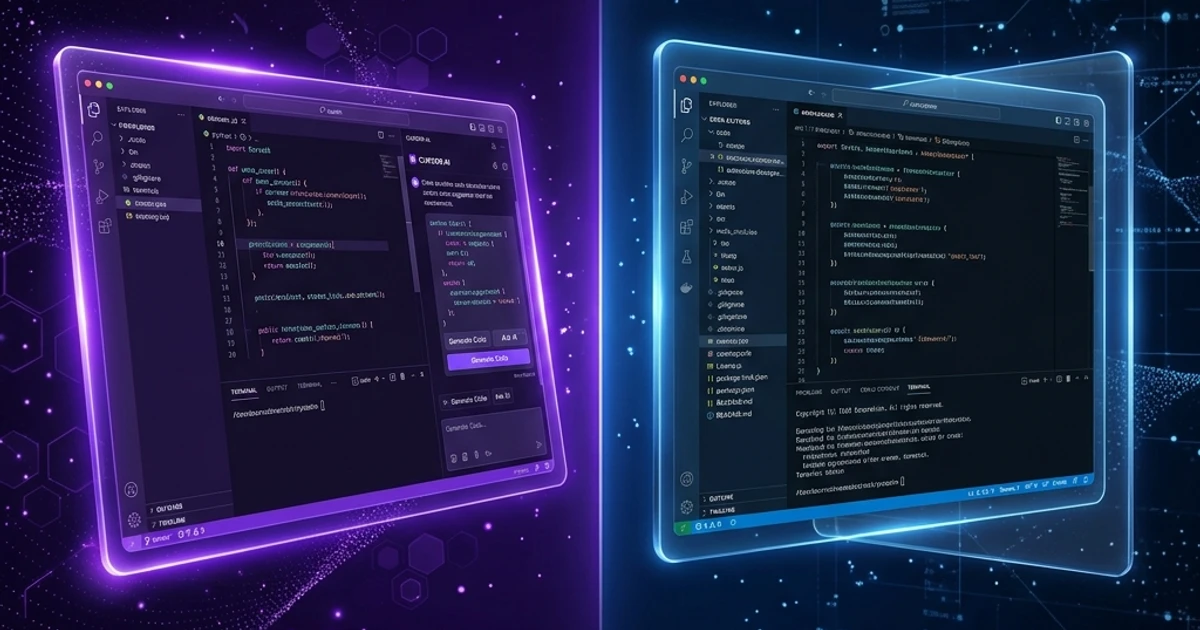
TL;DR: Cursor is a code editor (built on VS Code) with deep, native AI integration. Claude 3.7 Sonnet is currently the best AI model for writing code. When combined through Cursor's "Composer" feature, you no longer need to copy and paste code manually. The AI reads your entire workspace and writes code directly into your files.
Cursor is Not a Normal IDE
Many developers say: "I can just install VS Code and add some AI extensions, why do I need Cursor?" That is a mistake.
Cursor is a fork of VS Code, but it was rebuilt from the ground up to optimize for AI interactions. Its most powerful feature is Composer (Cmd/Ctrl + I).
Instead of a simple sidebar chat window, Composer is an orchestration interface. Type: "Build me a login page styled like Apple.com." Cursor will automatically generate login.tsx, inject the styling, wire up the routes, and compile it right in front of your eyes.
Why Choose Claude 3.7 Sonnet?
Direct Answer: Claude 3.7 Sonnet is the preferred model for Vibe Coders due to its superior cognitive reasoning abilities, deep 200K token context window, and extreme care when editing large codebases, which minimizes code regression errors.
When integrated into Cursor, this model shines due to three core attributes:
- Ultra-deep 200K Context Window: It can grasp the entire directory architecture of your codebase simultaneously, eliminating the "forgetting" issues of older models.
- Minimized Logic Regression: Unlike other models that break existing components while fixing a bug, Claude 3.7 analyzes code dependency graphs to execute safe code modifications.
- Seamless CLI Integration: The new Claude Code CLI protocol allows the agent to run directly inside your terminal, transitioning it from a chatbot into an active agent that runs test cases and self-debugs.
Configuring .cursorrules to Enforce Standards and Prevent Spaghetti Code
Direct Answer: To enforce standards in Cursor, create a
.cursorrulesfile at the root of your project. This configuration file contains system guidelines defining your tech stack, coding style, file naming conventions, and brand voice guidelines to keep the AI aligned.
Here is a practical .cursorrules template I use for Next.js 16 and Tailwind CSS v4 projects:
{
  "project_context": {
    "framework": "Next.js 16 (App Router)",
    "styling": "Tailwind CSS v4 (Using @theme inline in globals.css)",
    "language": "TypeScript (strict mode)"
  },
  "code_standards": {
    "components": "Default to React Server Components. Only use 'use client' when event handlers or local state are strictly necessary.",
    "images": "Use standard HTML <img> tags with explicit CSS classes instead of next/image for blog covers to prevent hydration mismatches.",
    "accessibility": "Text contrast on black (#000000) background must satisfy WCAG 2.2 AA (contrast ratio >= 4.5:1)."
  },
  "brand_voice": {
    "tone": "Quiet Authority. Avoid hype words like 'revolutionize', 'disrupt', or 'ultra-fast'.",
    "avatar_alt_text": "All blog images must append this brand keyword string at the end of their alt tags: '| Toi La Tung, toilatung, Nguyen Thanh Tung'"
  }
}
By feeding this configuration ruleset, Cursor will never install unapproved npm packages or output code that contradicts your brand guidelines.
Claude Code CLI: The Autonomous AI Agent Step
Direct Answer: Claude Code is a command-line interface (CLI) tool running inside your local terminal. Rather than manually copying and pasting edits, Claude Code directly reads files, runs terminal build and test scripts, detects errors, and commits files to Git.
To integrate Claude Code CLI into my daily workspace, I use a simple 3-step workflow:
- Launch the CLI:
npx @anthropic-ai/claude-code - Command the agent to debug:
/ask Why is my production build failing? Scan the src/content/blog folder and check for any broken links. - Execute automatic repair:
Once it isolates the issue, authorize Claude Code to modify the files and run
npm run buildto verify the patch live.
Using the Claude CLI optimizes your context window usage because the agent selectively reads only relevant source files rather than uploading the entire workspace to a chat window.
Conclusion
The synergy between Cursor Composer and Claude Code CLI creates the perfect ecosystem for modern Vibe Coders. By defining strict structural rules in your .cursorrules file, you gain an elite AI crew member that delivers fast, accurate code without compromising your project's architectural integrity.
To maximize your workflow efficiency with AI tools, read 5 Critical Errors Causing AI Spaghetti Code and How to Solve Them or study our overview on What is Vibe Coding.
Tải Playbook Vibe Coding: Setup Cursor & Claude Code Chuẩn
SOP hướng dẫn thiết lập Brain file (.cursorrules / CLAUDE.md) tối ưu token và cách chia nhỏ bài toán để AI sinh code không lỗi.