Cursor vs VS Code + Copilot: My Ultimate Vibe Coding Choice
A practical comparative review between Cursor IDE and VS Code paired with GitHub Copilot. Benchmark metrics from daily usage in 2026.
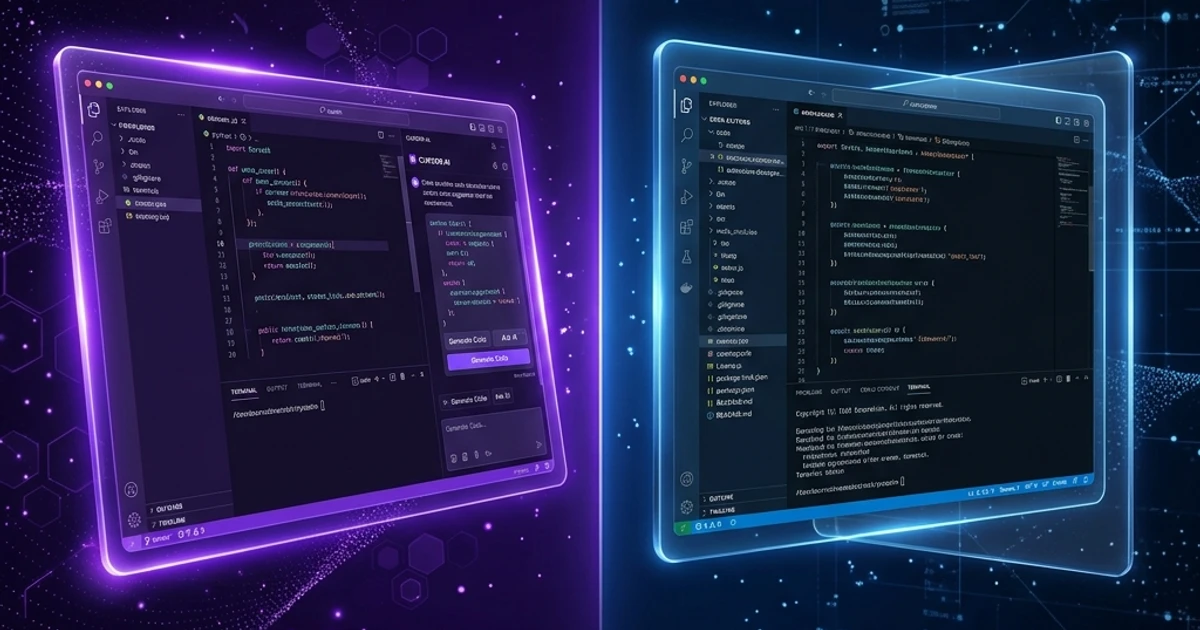
TL;DR: A practical comparative review between Cursor IDE and VS Code paired with GitHub Copilot. Benchmark metrics from daily usage in 2026.
This debate divides the Vibe Coding community into two distinct camps. I have been in both — using VS Code + GitHub Copilot for years, then switching to Cursor, and never looking back.
However, the correct answer isn't about "which tool is objectively better," but rather "which setup fits your active workflow."
At a Glance
VS Code + GitHub Copilot
- Developer: Microsoft
- Pricing: VS Code is free; Copilot is $10/month ($100/year).
- AI Engine: Primarily OpenAI models (GPT-4 family).
- Strengths: Massive extension ecosystem, enterprise compliance, stable.
- Weaknesses: AI integration is not as native or deep as Cursor's.
Cursor
- Developer: Anysphere (independent startup).
- Pricing: Free tier available; Pro is $20/month.
- AI Engine: Choice of Claude, GPT-4, or proprietary models.
- Strengths: Rebuilt from the ground up for AI interactions; Composer agent mode is extremely powerful.
- Weaknesses: Slightly smaller extension marketplace integration; occasionally unstable beta features.
Feature-by-Feature Comparison
Inline Code Completion
Copilot: Excellent. Suggestions are fast, contextually accurate, and minimize distracting ghost text.
Cursor: Tab completion is highly context-aware, reading multiple workspace files, though it sometimes suggests too much code at once.
Winner: Tie — both are elite at basic inline completions.
Chat / Context Queries
Copilot: Integrated chat panel supporting @workspace and @file context scopes.
Cursor: Chat pane supports referencing @file, @code, @docs, and specific symbol pinning.
Winner: Cursor — the indexing and context reference system is more granular.
Multi-file Editing (Agentic Mode)
Copilot: Copilot Edits mode modifies multiple files but remains in early development stages.
Cursor: Composer mode is the absolute killer feature. You describe a task, and Cursor plans, writes, and modifies multiple files automatically.
Winner: Cursor by a large margin — Composer is the primary reason I migrated to this editor.
Codebase Indexing
Copilot: @workspace parses files, though indexing can lag on large repositories.
Cursor: @codebase backed by local vector indexes is fast, precise, and yields fewer hallucinations.
Winner: Cursor wins on speed.
Extension Ecosystem
VS Code: Over 50,000 extensions — anything you need is available.
Cursor: Run most VS Code extensions, but some native integrations are occasionally flaky.
Winner: VS Code.
When to Choose Cursor
- You operate solo or run a small, agile team.
- Vibe Coding is your primary software development workflow.
- You prioritize AI execution velocity over enterprise administrative tooling.
- You do not require strict enterprise-grade source-code compliance filters.
When to Choose VS Code + Copilot
- You work within an enterprise or corporate IT environment.
- Your team has pre-existing, strict developer setups in VS Code.
- You require specific IDE extensions only supported by VS Code.
- Corporate compliance mandates approved and vetted development tools.
My Active Workflow
I use Cursor for all personal builds and client projects. The reason is simple: Composer mode saves me 2 to 3 hours of manual file editing daily.
Instead of editing files line-by-line, I describe the architectural task → Cursor outlines the plan → executes → I review the code. That is true Vibe Coding.
Conclusion
If you are beginning your developer journey with no corporate constraints: use Cursor. It is designed from day one to serve AI-first workflows.
If you are in an enterprise environment or your team already uses VS Code, the VS Code + Copilot combination remains a solid, highly polished choice.
Learn to maximize either tool in your daily software workflow with Claude Code Mastery Pro.
To improve your workflow efficiency and system thinking, read: Comprehensive Guide to Vibe Coding to apply it directly to your business.
💡 Read related articles:
Tải Playbook Vibe Coding: Setup Cursor & Claude Code Chuẩn
SOP hướng dẫn thiết lập Brain file (.cursorrules / CLAUDE.md) tối ưu token và cách chia nhỏ bài toán để AI sinh code không lỗi.