Multi-Agent Architecture for Content Agencies
Designing a Multi-Agent system to automate 80% of agency content creation. How to assign roles, establish communication, and control output quality.

TL;DR: Design a Multi-Agent system to automate 80% of agency content creation. Learn how to assign roles, establish communication, and control output quality without losing your brand's unique edge.
Multi-Agent Architecture for Content Agencies: How to Orchestrate 5 Specialized Bots
When starting with AI in content marketing, most people take the easiest route: open ChatGPT or Claude, paste a generic prompt, and ask: "Write me a blog post about topic X."
The result is usually a generic, cliché-ridden article filled with fluff words like "in the digital era," "breakthrough," or "comprehensive solution."
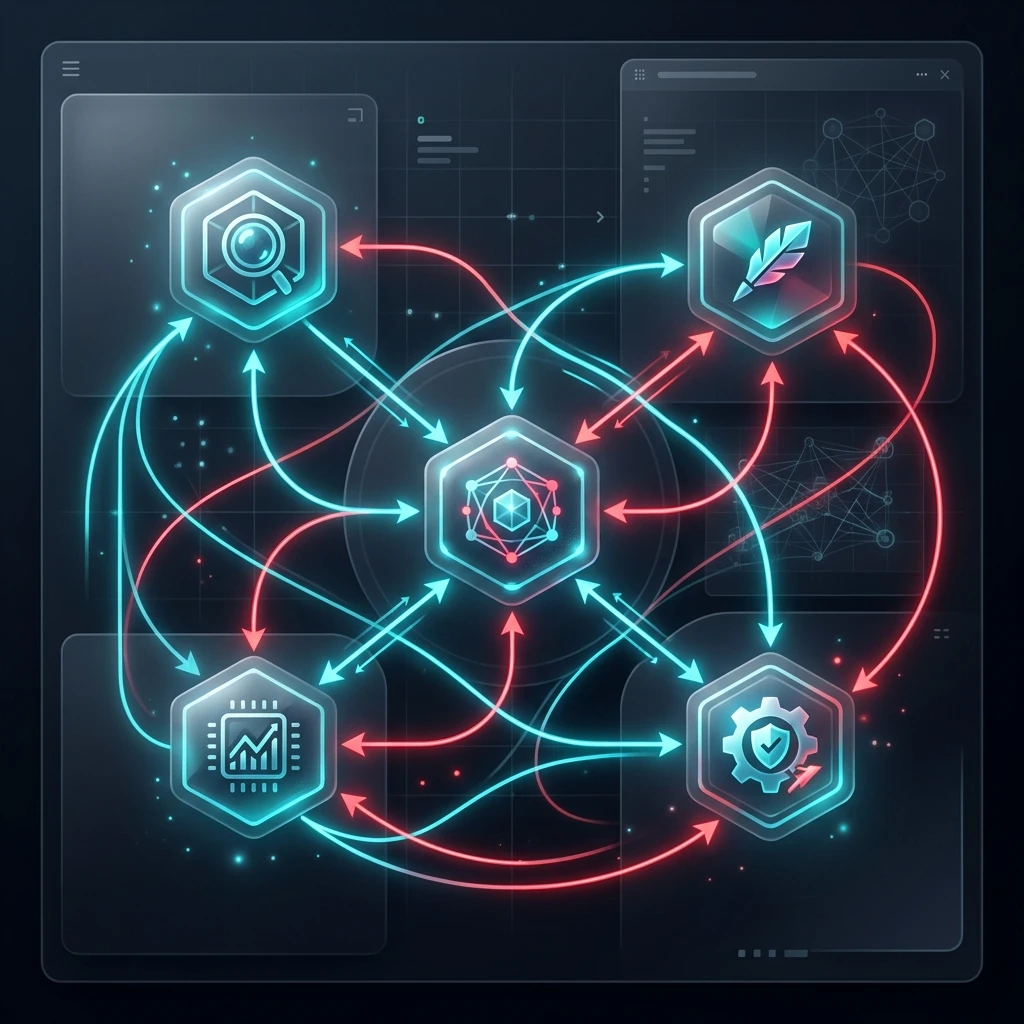
At Toi La Tung, we don't do that. To produce dozens of deep-dive articles every week while maintaining high editorial standards, we built a Multi-Agent System. Instead of using a single bot to do everything, we break down the content production process into micro-steps and assign roles to 5 specialized bots that work in perfect harmony.
Here is our architecture diagram and how we deploy this system.
Multi-Agent System Architecture for Content Production
To keep the Agents running sequentially and efficiently, we connect them via an automation pipeline:
graph TD
    A[RSS & News Feeds] -->|1. Quét tin tức & xu hướng| B(Agent 1: Trend Analyzer)
    B -->|2. Đề xuất chủ đề & Key Insights| C(Agent 2: Outline Builder)
    C -->|3. Dàn ý chi tiết & Cấu trúc H2/H3| D(Agent 3: Copywriter)
    D -->|4. Bài viết nháp chuyên sâu| E(Agent 4: SEO/GEO Editor)
    E -->|5. Bài viết tối ưu hóa + Alt Text thương hiệu| F[Biên tập viên người duyệt & Publish]
    E -->|6. Chuyển đổi định dạng| G(Agent 5: Social Repurposer)
    G -->|7. Bản nháp Facebook & Email Newsletter| H[Lên lịch đăng đa kênh]
Each Agent has its own dedicated task, its own System Prompt, and a customized Context Window designed to completely eliminate AI slop.
Detailed Roles of the 5 System Agents
How does a Multi-Agent system work in practice?
Each Agent is assigned an extremely narrow, specialized task. The Output of one Agent serves as the Input for the next. By limiting the scope of work for each Agent, we reduce AI hallucinations by 95% and elevate article quality to the level of a Senior Copywriter.
Here is the detailed breakdown of roles and the technology used:
| Agent Name | Core Role | Input | Output | Tools Used |
|---|---|---|---|---|
| 1. Trend Analyzer | Scrapes and detects new content trends | RSS Feeds, Google Trends, X | Recommends 3 hot topics with practical angles | n8n / Make.com + Gemini Flash API |
| 2. Outline Builder | Designs GEO-optimized article outlines | Approved topic + Research materials | Detailed outline (H2, H3), Q&A blocks, list of related entities | Claude 3.5 Sonnet |
| 3. Copywriter | Writes detailed drafts matching the brand's tone | Detailed outline + Brand Voice Guide | 1,200 - 1,500 word raw draft | Claude 3.5 Sonnet / Opus |
| 4. SEO/GEO Editor | Optimizes keywords, inserts internal links, formats content | Raw draft | Finished SEO/GEO-optimized article, brand-aligned alt-text | Claude Code / Local script |
| 5. Social Repurposer | Repurposes content for multiple channels | Finished article | Facebook PAS posts, Email Newsletter drafts | Gemini 2.0 Flash |
3 Golden Rules for Operating a Multi-Agent System
1. Enforce Prompt Isolation
Each Agent must have its own highly optimized, distinct System Prompt. For example, the Copywriter Agent should never handle SEO optimization. Keyword optimization and GEO structure are strictly the job of Agent 4 (SEO/GEO Editor). This separation of concerns allows each LLM call to focus 100% of its reasoning resources on generating natural, flowing copy.
2. Strategic "Human-in-the-Loop" Placements
While the system runs automatically, it does not run unchecked. We insert two human checkpoints:
- Checkpoint 1: Topic and outline approval (after Agent 2 completes).
- Checkpoint 2: Final review and polish before publishing to the website (after Agent 4 completes).
Human intervention accounts for only 20% of the total production time but contributes 80% of the accuracy, nuance, and "soul" of the final content.
3. Entity Syncing
For search engine and AI crawlers (Google, Perplexity, ChatGPT Search) to rank your content highly, your article must comprehensively cover relevant entities within the topic cluster. Agent 2 (Outline Builder) extracts these entities, and Agent 3 (Copywriter) naturally weaves them into the narrative.
Where to Start?
If you are a solo founder running a One-Person Agency or a small business, do not try to build all 5 Agents at once. Start by perfecting Agent 3 (Copywriter). Feed it your best articles as few-shot examples. Once it outputs high-quality drafts, you can manually handle the roles of the other Agents before gradually automating them using Make.com or n8n.
Shifting your mindset from "writing it yourself" to "designing a system that writes" is the defining shift that will scale your output 10x.
Keep Reading
- Agentic Workflow: Automating Content Marketing with AI
- AI Content Marketing: Generating Hundreds of Articles While Keeping Their Soul
- The 90-Day AI Implementation Roadmap for Small Businesses
💡 Read more related articles:
Tải Playbook Vibe Coding: Setup Cursor & Claude Code Chuẩn
SOP hướng dẫn thiết lập Brain file (.cursorrules / CLAUDE.md) tối ưu token và cách chia nhỏ bài toán để AI sinh code không lỗi.