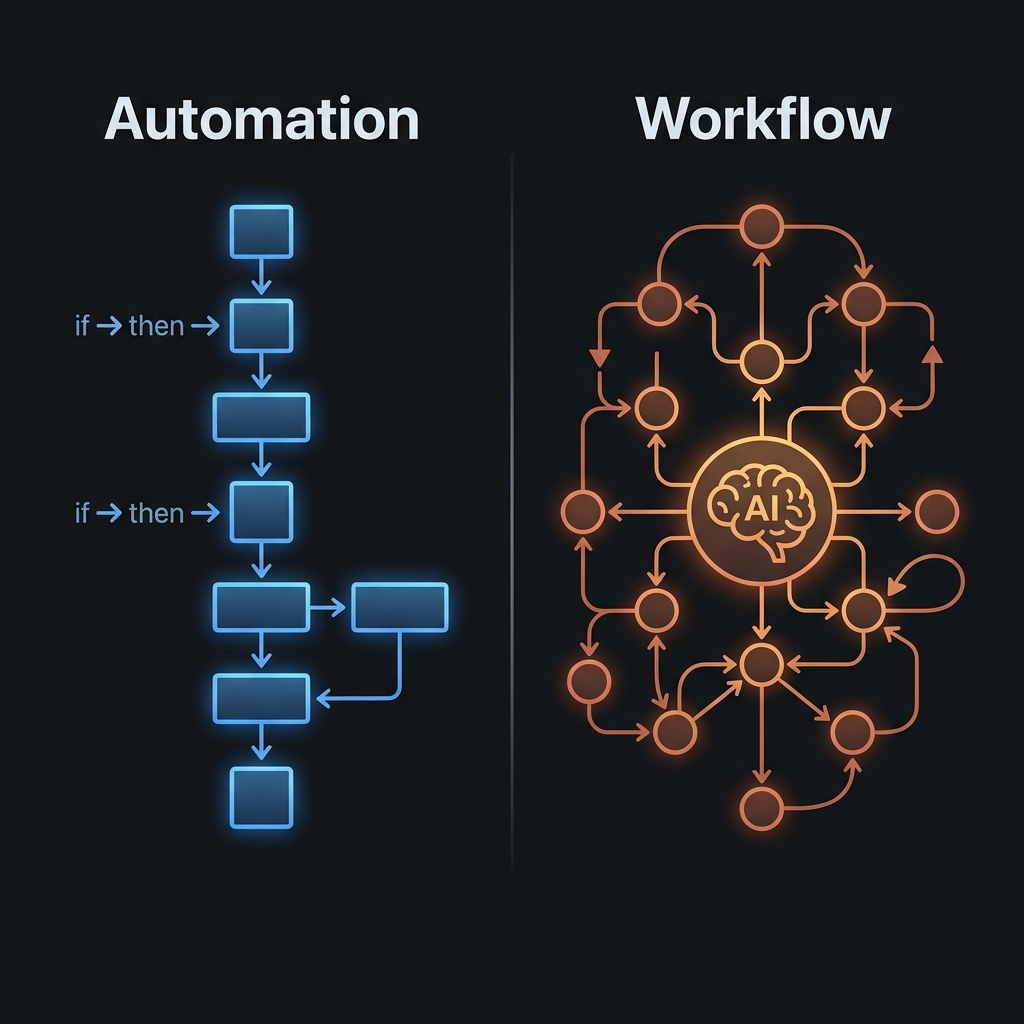
Business Process Automation: Where to Start
A practical guide to starting process automation for Vietnamese SMEs: which processes to prioritize, tools that fit a small budget, and common mistakes to avoid.
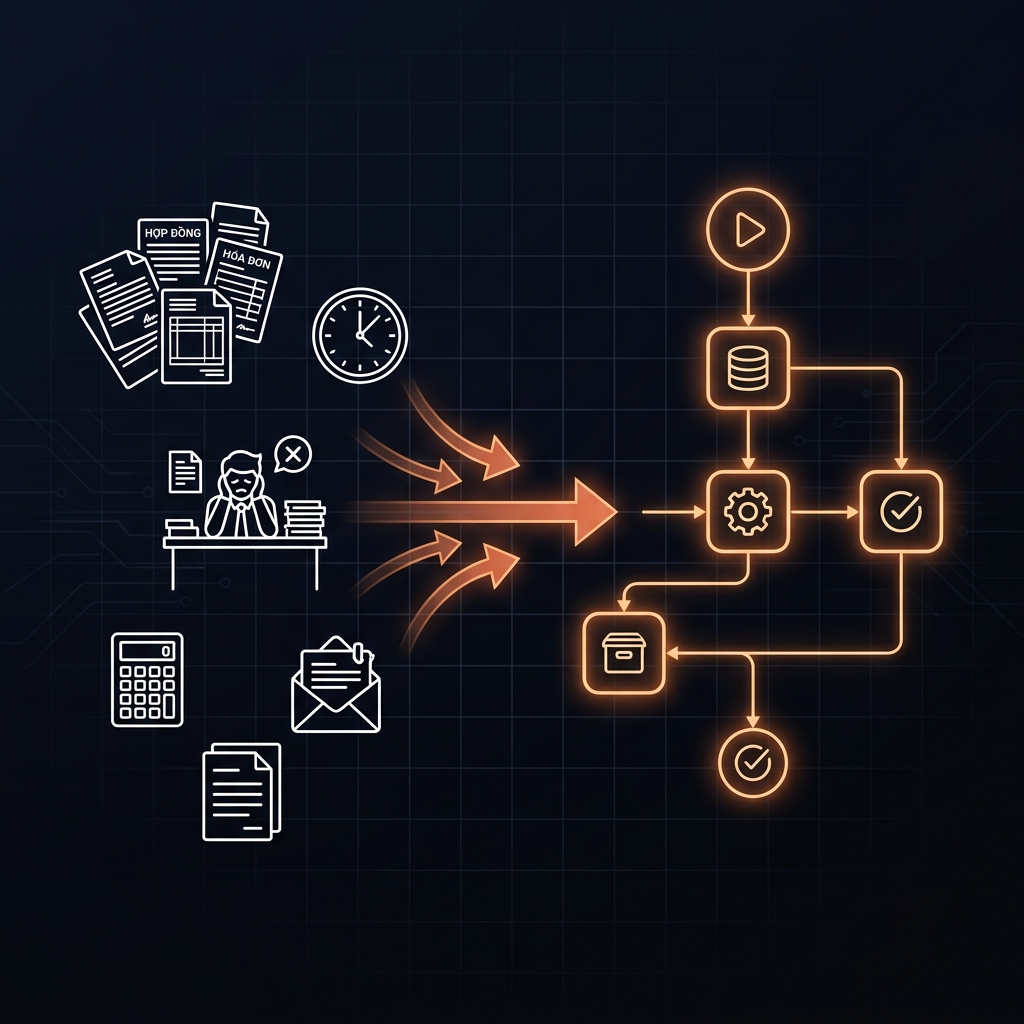
Business Process Automation: Where to Start
TL;DR: Process automation doesn't start with picking a tool. It starts with identifying the right process — the one that repeats most often, has a measurable output, and doesn't require human judgment at every step. Realistic starting cost: under $40/month.
Quick Answer — for people who need it now
Start automating with 3 steps: (1) pick one process that repeats more than 5 times a week and has a clear output, (2) build the simplest workflow that can actually run — no code, no IT required, (3) measure the results after 30 days before expanding. Make.com's free plan + Claude Pro (~$22/month) is enough for your first 3–5 basic workflows.
Most founders hear "process automation" and picture a complex IT project — a dev team, a big budget, 3–6 months to deploy.
That's not how it has to go.
I automated our internal weekly reporting process — from 2 hours of manual work every Friday down to a 15-minute review — in a single afternoon, without writing a single line of code.
This post is how I did it, and how you can apply the same approach to your own business.
What process automation is — and isn't
Before diving in, one common misunderstanding needs clearing up.
Process automation means redesigning a chain of work so a system handles the repetitive steps instead of a person — while people stay involved only where real judgment is required.
It is not: replacing people. It is not a bot that answers everything automatically. It is not "install some software and you're done."
The key distinction: good automation doesn't remove people — it puts them exactly where they belong, at the decisions that matter, instead of wasting them on repetitive steps that require no thinking at all.
Which process to automate first
Not the most important one. Not the biggest one. The one that satisfies all 3 conditions:
Condition 1 — Repetition: Happens at least 3–5 times a week, following the same pattern.
Condition 2 — Clear output: You can describe the correct output in two sentences. If you can't describe it, AI can't do it.
Condition 3 — No complex judgment at each step: The logic is clear, not "it depends on the situation."
| Example process | Should you automate it? | Why |
|---|---|---|
| Compiling reports from multiple data sources | ✅ Yes | Repetitive, clear output, fixed logic |
| Categorizing and tagging customer emails/requests | ✅ Yes | Repetitive, clear criteria |
| Scheduling social media posts | ✅ Yes | Fully repetitive |
| Pricing decisions based on market conditions | ❌ Not yet | Requires strategic judgment |
| Writing proposals for each client | ❌ Not yet | Each case differs significantly |
| New customer onboarding (checklist part) | ✅ Mostly | Checklist is automatable, the handshake needs a human |
A 3-step framework to get started — no IT required
Step 1: Map the process in 30 minutes
Draw out the current process, step by step:
[Trigger] → [Step 1] → [Step 2] → ... → [Output]
For each step, note: who does it, how long it takes, whether it's error-prone, and what the output is.
Once you've mapped it out, highlight the steps that repeat, require no creativity, and produce a measurable output. That's the automatable zone.
Real example from our own operations: our weekly reporting process used to have 7 steps — after mapping, only 2 required a human (reviewing unusual numbers + writing strategic commentary), the other 5 were fully automated.
Step 2: Pick the right tool — not the hottest one
| Need | Right tool | Cost/month |
|---|---|---|
| Connect multiple apps, no code | Make.com (Free/Starter) | Free → ~$20 |
| Process text, email, analysis | Claude Pro | ~$22 |
| Simple workflow management | Notion + database | ~$10 |
| Automated scheduling | Calendly Free | Free |
| Trigger-based email automation | Mailchimp Free | Free up to 500 contacts |
Principle: Choose the minimum — just enough to run that one process. Add tools later, once the first process is stable.
Step 3: Build the simplest workflow that can actually run
The MVP principle: automate one step, not the entire process.
Example: instead of automating the entire post-sale customer care process, start with: automatically send a thank-you email + onboarding checklist right after a deal closes (triggered from a Google Sheet).
That single step saves 15–20 minutes per deal. At 10 deals a month, that's 2.5–3 hours a month. Not huge, but enough to build the habit of measuring results and learning how to operate an automated workflow.
3 common mistakes — and how to avoid them
Mistake 1: Automating before the manual process is stable
If the manual process still changes every week, automation will just produce errors faster. Rule of thumb: the manual process should run stably for at least 4 weeks before you automate it.
Mistake 2: No human-in-the-loop for important output
Any workflow that automates important output (external reports, emails to customers) needs at least one human review point before the next step triggers. Not because AI isn't good enough — but because you're accountable for that output, not the AI.
Mistake 3: Choosing the most complex tool because it's "the most feature-rich"
Self-hosted n8n can do almost anything. But if it takes 2 weeks to set up, your first process still isn't running, and nobody on the team knows how to maintain it — you've just spent resources building something no one uses.
For SMEs under 20 people: Make.com Free + Claude Pro already covers 80% of real automation needs.
A real internal case: a weekly AI report in 15 minutes
Before: Every Friday, 2 hours spent pulling numbers from 4 channels, compiling them into a Google Doc, writing commentary, and sending it to the team.
After automating (built in one afternoon):
- Make.com pulls data from Google Sheets every Friday morning
- Claude takes the raw data and drafts a report using a fixed template
- I receive the draft on Slack at 8am
- 15-minute review, edit the strategic commentary, send
Result: 2 hours → 15 minutes. What I actually do is the part that genuinely needs me.
Build cost: $0 (Make.com Free + Claude Pro I already had). Build time: one afternoon (~3 hours).
Checklist before you start
- I've identified one specific process (not "automation in general")
- That process repeats at least 3–5 times a week
- The output can be described in two sentences
- The manual process has been stable for at least 4 weeks
- I know who will review the output before it's used for real
- I have a plan to measure results after 30 days
Go deeper — based on where you are
If you want to understand more complex AI workflow architecture:
- AI Workflow for Vietnamese Businesses — A Real-World Architecture
- What Is Agentic Workflow — and Why It's Completely Different From Traditional Automation
If you want the full picture of applying AI to your business:
You already know which process you want to automate — but you're not sure where to start?
That's exactly what the Audit session is for. I listen to your process for 30 minutes, point out which step to automate first, and which tool actually fits your scale and real budget.
Not generic advice — a specific analysis for your specific process.
FAQ
Do I need a developer to automate a process?
No — not if you start with a simple workflow using a no-code tool like Make.com or Notion automation. You need a developer once the workflow gets more complex, connects to internal systems, or needs high-throughput processing. For an SME just starting out: you don't.
How long until I see results?
If your first workflow is designed correctly, results are visible within the first week. Judging quality and reliability takes about 30 days of real operation.
Is company data safe when using Claude/Make.com?
Claude offers an option to opt out of training on conversation data. Make.com processes data through its own servers — for sensitive data, review their terms or consider an on-premise solution. This is a question to audit before deployment, not after.
Should I start with a big process or a small one?
Small — always start small. Bigger processes are more complex, error-prone, and harder to debug. Start with the smallest process that still has measurable value — build the habit and operating experience before you scale.
Khám Phá Kho Workflow & SOP AI Thực Chiến
Thư viện quy trình, SOP vận hành và công cụ AI tôi đang dùng thật cho hệ thống của mình — chọn đúng thứ bạn cần.