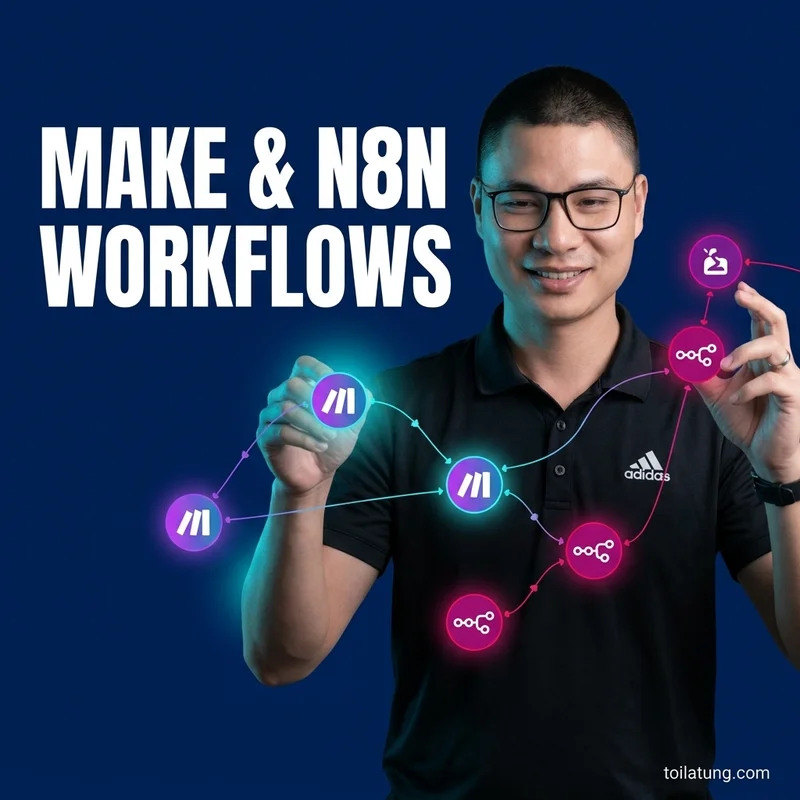
Self-Host n8n & Flowise on Hostinger VPS for Just $7/Month
Detailed step-by-step guide to installing n8n, Flowise, and PostgreSQL on a budget-friendly Hostinger VPS. Save on automation costs and run unlimited AI agents.

TL;DR: Are you using n8n Cloud or Flowise Cloud and feeling like you are wasting money? There is a solution that gives you unlimited resources and 100% control over your data for a cost starting at just $7/month (~170,000 VNĐ): Self-host n8n and Flowise on your own VPS.
Are you using n8n Cloud or Flowise Cloud and watching your bill scale up with the number of workflows run each month? Or are you on the Free Tier of other automation platforms and constantly hitting task limits?
There is a solution that gives you unlimited resources and 100% control over your data for a cost starting at just $7/month (~170,000 VNĐ): Self-host n8n and Flowise on your own VPS.
In this article, Tung will guide you step-by-step on how to setup an AI Stack (n8n + Flowise + pgvector + Docker) on a Hostinger KVM VPS smoothly, even if you are not familiar with DevOps.
Why Choose Hostinger VPS to Run Your AI Stack?
When running AI and Automation applications (n8n, Flowise, LlamaIndex, Python Agents), your system needs stable RAM and CPU.
- Highly Optimized Cost: Hostinger's KVM 2 plan provides 8 GB RAM, 2 vCPUs, 100 GB NVMe SSD for around $7 - $8/month (when purchasing a long-term plan). To get an equivalent configuration on AWS or DigitalOcean, you would have to spend $25 - $40/month.
- Outstanding Performance: Using AMD EPYC chips and new generation NVMe SSDs helps your Database queries (PostgreSQL/pgvector) respond instantly.
- AI Assistant Support: Hostinger's hPanel interface integrates a built-in AI Assistant to help you write SSH commands and configure firewalls in seconds.
- Automated Backup: Free weekly backups, giving you peace of mind without worrying about losing important workflow data.
🎁 Your Exclusive Benefit: When registering for VPS via Tung's partner link Register Hostinger VPS (Use extra 7% discount code: HOSTING7), you will join a private support group and receive 20+ VIP n8n workflows for Marketing & CRM that Tung has built.
Step-by-Step Installation Guide
Step 1: Register for VPS and Install the OS
- Access Hostinger Partner Link and sign up for the KVM 2 package (12-month or longer plan recommended for the best price and a free Domain).
- In the VPS setup page, choose the Operating System: Ubuntu 22.04 LTS (64-bit).
- Set the Root password for your VPS and save it carefully.
- Wait 1-2 minutes for Hostinger to initialize the VPS. You will receive a static IP Address (e.g.,
123.45.67.89).
Step 2: Connect via SSH to the VPS
Open Terminal on your computer (or Command Prompt on Windows) and type the following command to connect:
ssh root@<YOUR_VPS_IP>
Enter yes and fill in the Root password you set in Step 1.
Step 3: Install Docker and Docker Compose
To manage the AI Stack system easily, we will run them through Docker. Run the following command to install Docker automatically:
# Update the system
apt update && apt upgrade -y

# Install necessary utilities
apt install -y curl git ufw

# Download and run the official Docker installation script
curl -fsSL https://get.docker.com -o get-docker.sh
sh get-docker.sh

# Verify Docker installation
docker --version
Step 4: Create Docker Compose configuration for n8n & Flowise
We will group n8n, Flowise, and PostgreSQL (for n8n data storage) into a single configuration file. Create a new directory:
mkdir -p /root/ai-stack && cd /root/ai-stack
nano docker-compose.yml
Paste the optimized Docker Compose configuration that Tung has prepared.
Run the following command to start the entire system in detached mode:
docker compose up -d
Type docker ps to ensure all containers are in the Up state.
Step 5: Configure Domain and SSL (HTTPS)
For n8n to receive Webhooks from other platforms (like Facebook, Telegram, HubSpot), you must configure HTTPS. Tung recommends using Nginx Proxy Manager because it provides an intuitive Web interface to point domains and issue free SSL certificates in a few clicks:
- Point your subdomains (e.g.,
n8n.toilatung.comandflowise.toilatung.com) to the IP of your Hostinger VPS. - Access Nginx Proxy Manager via browser:
http://<YOUR_VPS_IP>:81. - Default credentials:
admin@example.com/changeme. - Add a new Proxy Host, point
n8n.yourdomain.comto then8ncontainer at port5678, and enable Request SSL (Let's Encrypt).
Done! You can now access your personal n8n system securely at https://n8n.yourdomain.com.
Practical Case Study: Automating Notion CRM & n8n Lead Capture 24/7
To see the real power of n8n when self-hosted on Hostinger VPS, let's analyze a real-world Marketing & CRM automation system.
This is the system Tung built to capture leads from Landing Pages, automatically sync them to Notion CRM, send personalized welcome emails, and ring notification bells on Telegram for the Sales team within 30 seconds:
Steps of the AI Stack CRM System:
- Landing Page Webhook: When a customer fills out the registration form, the Landing Page instantly fires a data payload (Webhook) to n8n.
- n8n Processing: Uses logic nodes to clean, format phone numbers (to international +84 format), and segment the Lead.
- Notion CRM Integration: n8n automatically creates a new record in the standardized Notion CRM database.
- Gmail Auto-responder: The system automatically sends a personalized welcome email with lead magnet materials tailored to the lead's name and needs.
- Telegram Bot Notification: Sends instant notifications containing complete Lead details to the Sales team's Telegram group, accompanied by a ring notification so representatives can call back immediately.
Download This Template CRM & n8n Workflow For Free:
Tung has packaged this entire standardized Notion CRM database template and the exported n8n workflow JSON file so you can import and run it on your VPS instantly:
👉 Download Notion CRM & n8n Workflow Template Bundle (Google Drive)
(Simply download the .json file for n8n, import it into the n8n dashboard on your Hostinger VPS, connect the Notion and Gmail APIs, and the system will run smoothly).
Summary & Exclusive Gift
With just 15 minutes of installation and a super-economical cost on Hostinger VPS, you have successfully built a powerful AI & Automation hub for yourself.
If you encounter any difficulties during the installation, take a screenshot of the error and send it to the support group dedicated to members registered under Tung's referral link.
👉 [REGISTER HOSTINGER VPS INFRASTRUCTURE TODAY TO RECEIVE OFFERS] (After purchasing, send a screenshot of the invoice to Tung's Zalo to receive the 20+ VIP n8n workflows valued at $199).
To understand more about optimizing workflows with AI, you can read: Comprehensive Vibe Coding Guide or learn deeper at What is Vibe Coding? shared by Toi la Tung.
💡 See also related articles:
Tải Playbook Vibe Coding: Setup Cursor & Claude Code Chuẩn
SOP hướng dẫn thiết lập Brain file (.cursorrules / CLAUDE.md) tối ưu token và cách chia nhỏ bài toán để AI sinh code không lỗi.